Product
|
Introducing Project Configuration for Directus Cloud Projects
Customize your Directus Cloud projects with advanced controls for files, security, and CORS settings - all without touching raw environment variables.

Christina Harker
Product Marketing
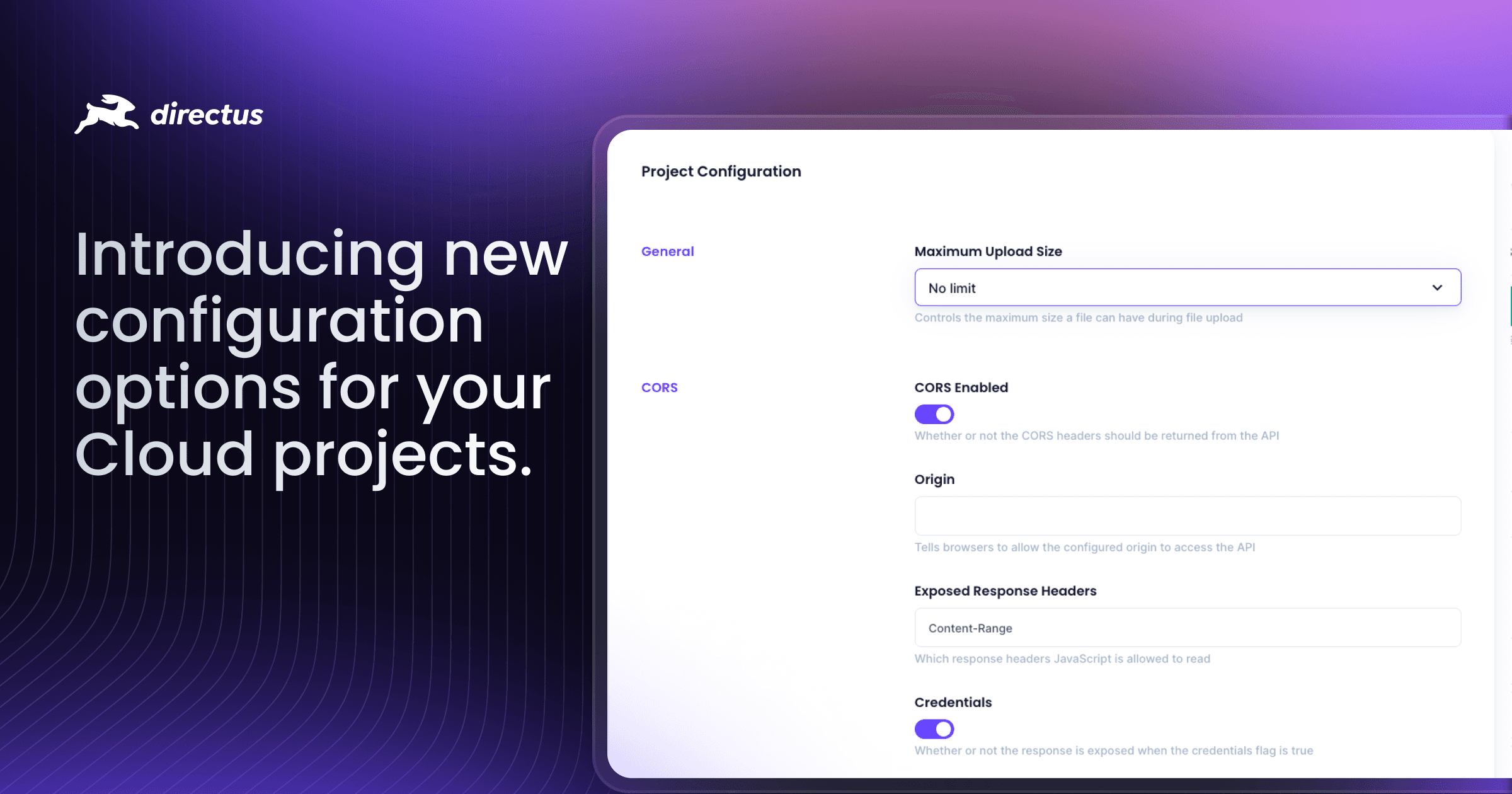
Our latest addition to Directus Cloud brings a powerful yet safe way to customize your projects.
Directus Cloud now has a new Project Configuration panel, offering preset controls without the complexity of raw environment variables. This marks a shift from direct environment variable access to a curated set of configuration options, giving you the control you need while maintaining project stability.
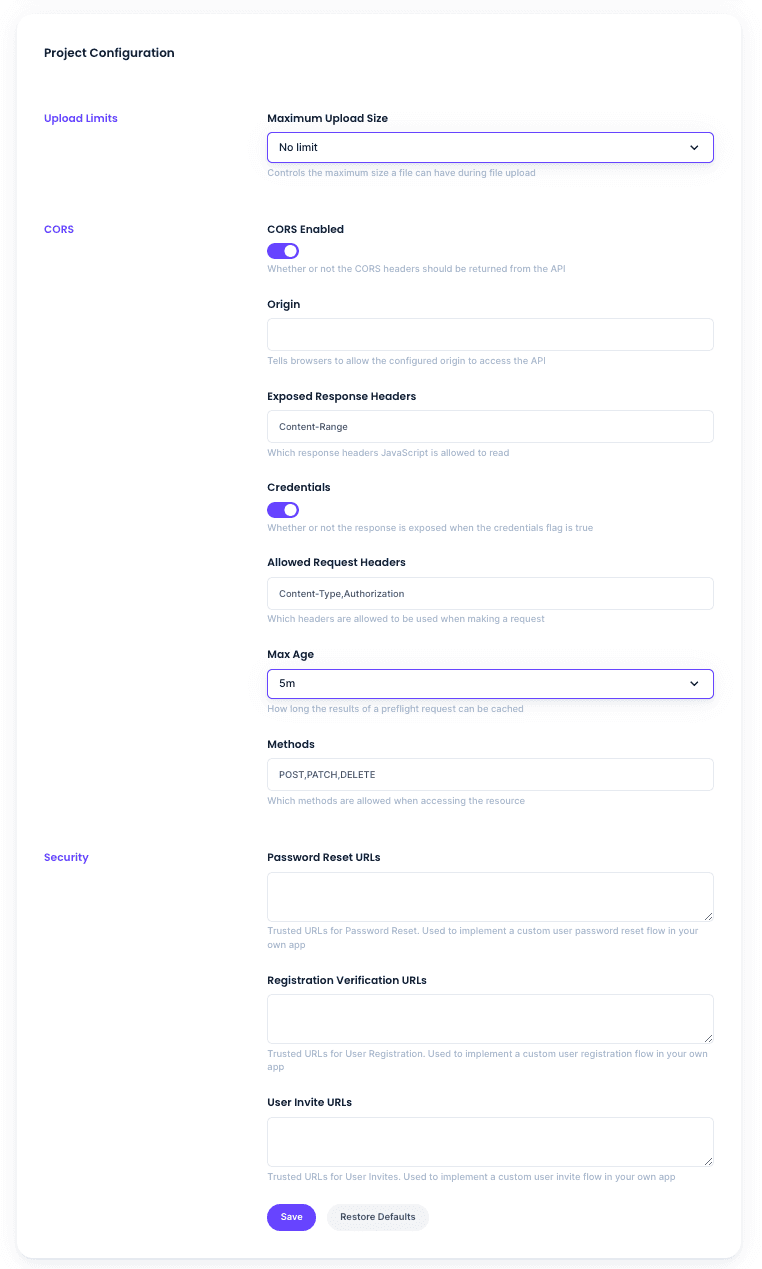
Project Configuration provides preset options for essential project settings. These settings can be adjusted through an intuitive interface in the Cloud dashboard, allowing for easy customization of your project's behavior:
Simplified Controls: Configure your project through an intuitive interface with pre-validated options
Safety First: Each setting comes with carefully selected presets that prevent accidental misconfiguration
Smart Defaults: All options come with production-ready defaults that work for most use cases
Instant Updates: Changes trigger automatic redeployment, ensuring your settings take effect immediately
Using Project Configuration
Let's look at how Project Configuration works in practice. Imagine you're running a multi-region application that needs specific security and CORS settings for different environments.
Here's how Project Configuration makes this simple:
Set file upload limits that match your application's needs
Configure allowed URLs for user management
Set up CORS settings for your different domains
Apply the changes and let automatic redeployment handle the rest
Available Configuration Areas
The Project Configuration panel focuses on three key areas:
Files: Control maximum upload sizes
Security: Manage URL allowlists for user management
CORS: Configure cross-origin resource sharing settings
Each area offers preset options that cover common use cases while preventing potential configuration errors. For a full list of our configuration options, check out our docs – https://docs.directus.io/self-hosted/config-options.html#cors
Get Started with Project Configuration
The new Project Configuration panel is available now in your Directus Cloud dashboard. Visit your project settings to explore these new capabilities.
Want to learn more? Check out our documentation for a detailed breakdown of our Cloud environment variables. As always, we’d also love to hear your feedback. Share your experience with us in our Discord community at directus.chat!
Ready to move faster?
30 minutes with a product specialist. See how Directus fits your stack.
KEEP EXPLORING
Explore the product context, implementation paths, and more guides from Directus.

