operation
Firebase Messaging Operation
Custom operation to send messages with Firebase
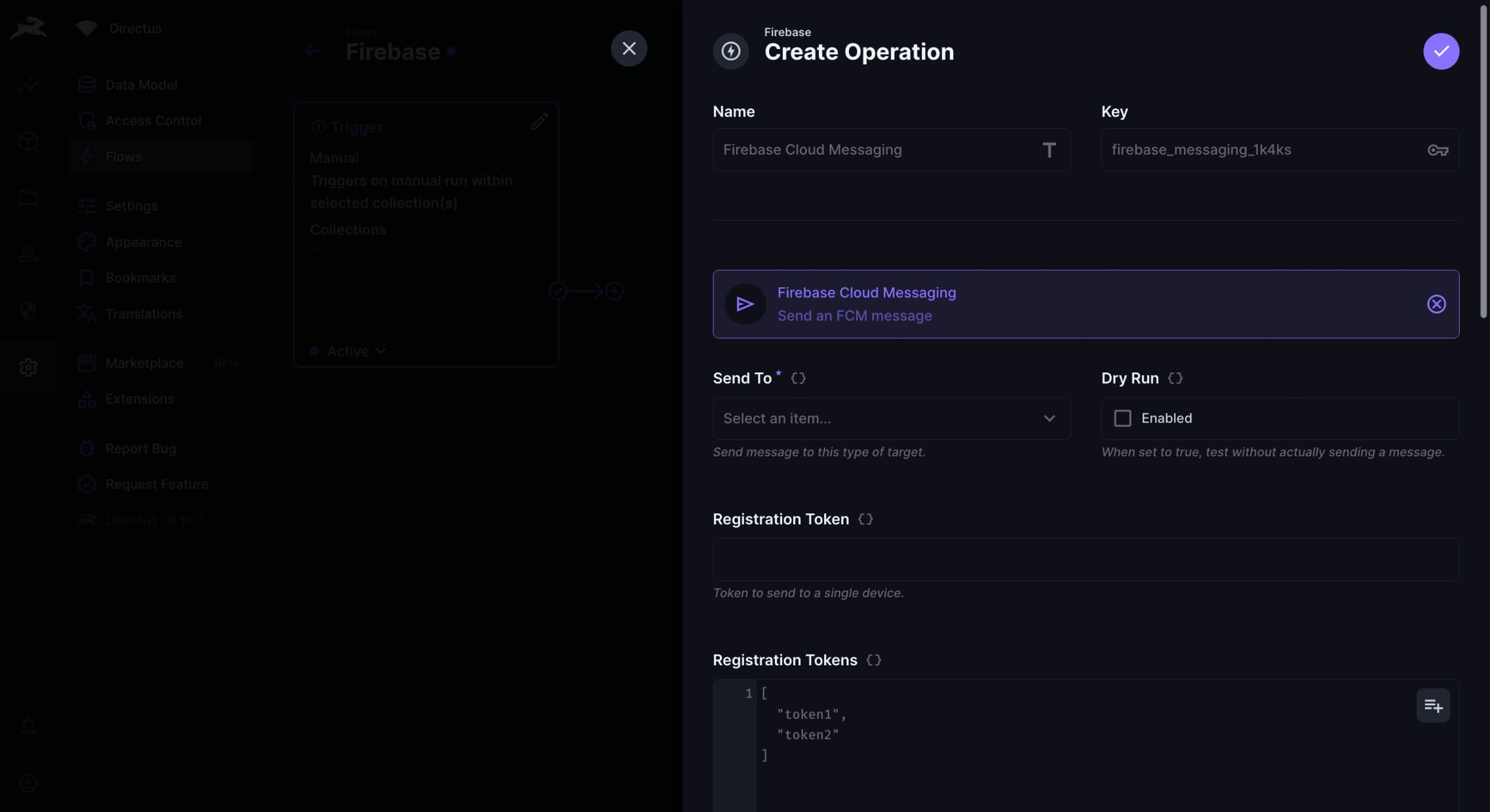
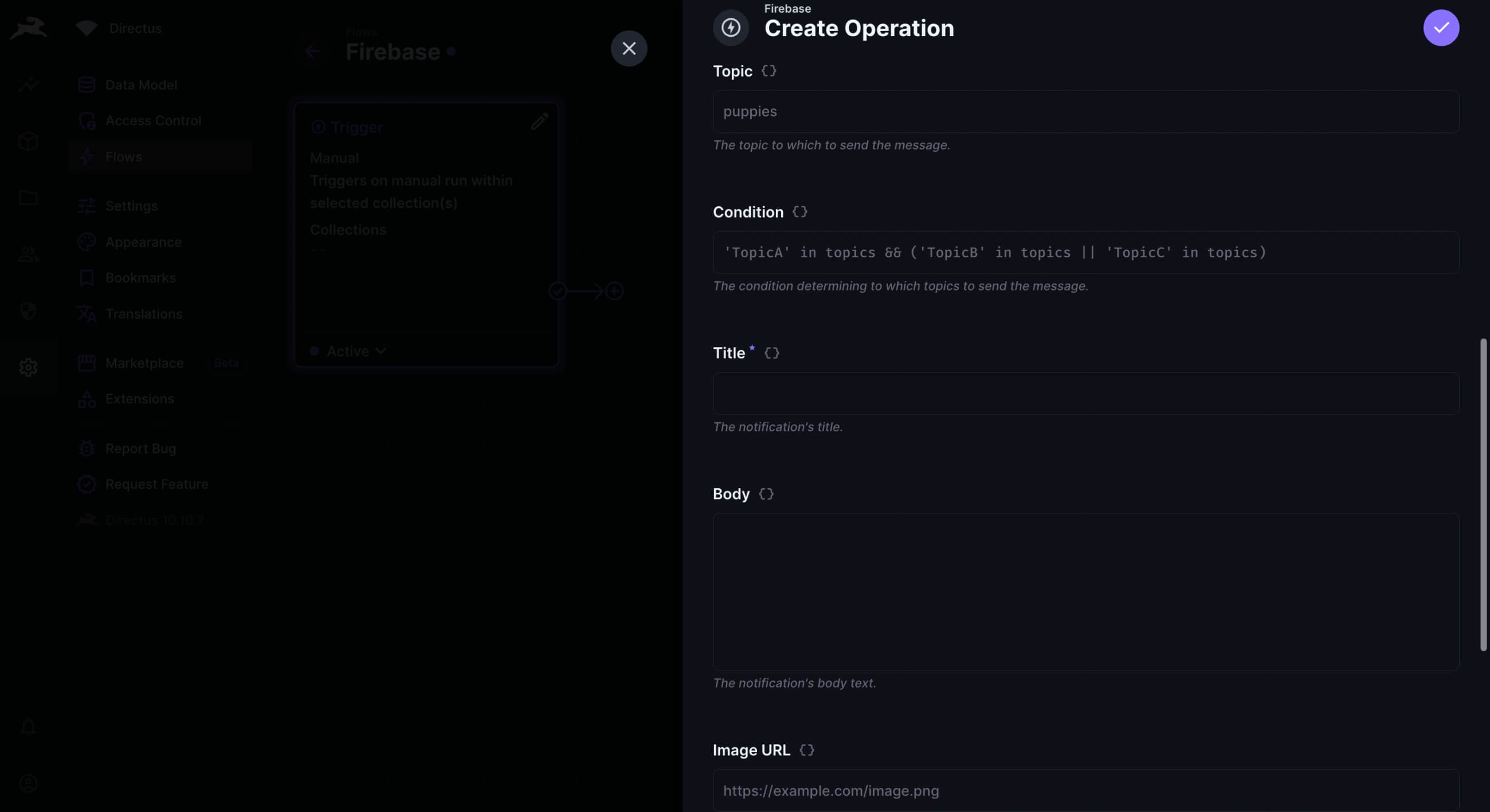
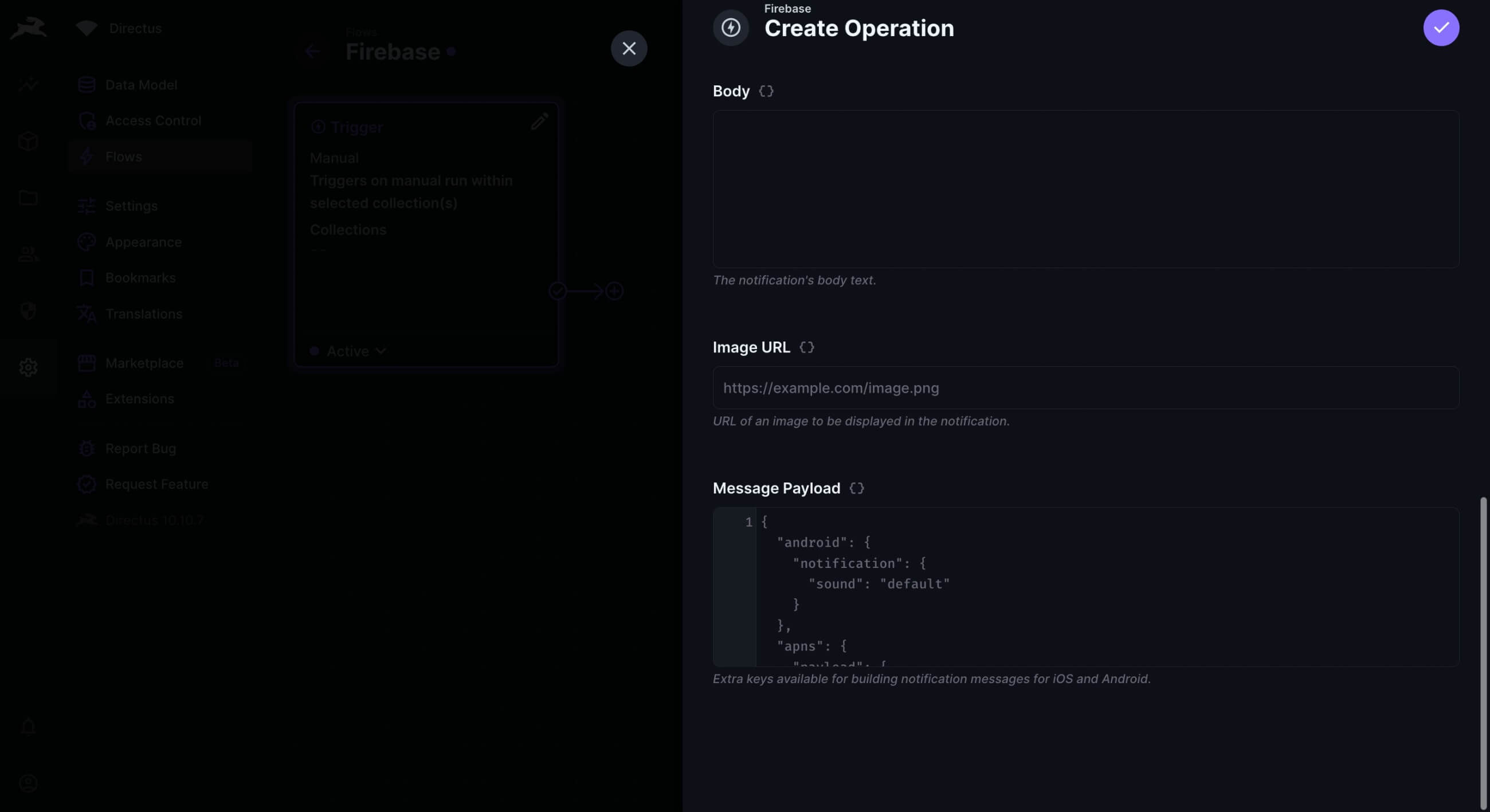

Firebase Messaging
Custom operation to send messages with Firebase.
Usage
- Install the extension using a package manager or from the Marketplace:
npm install directus-extension-firebase-messaging-operation
-
Download the
google-services.jsonfile from Google Cloud and add it to the root of Directus. -
Or upload it via the Data Studio and copy the
Filename (Disk). -
Add this environment variable:
GOOGLE_APPLICATION_CREDENTIALS="./google-services.json"
# OR
GOOGLE_APPLICATION_CREDENTIALS="./uploads/<uuid>.json"
Known Issues
Fix messaging/authentication-error
- Go to GCP Dashboard in your project.
- Search "API and Service".
- In the "Enable APIs and Services" section, click "+ Enable APIs and Services".
- Then search "cloud messaging".
- Now go to "Cloud Messaging" and "Firebase Cloud Messaging API" one by one and enable it.