Algolia Operation
Use Algolia to index your Directus data.
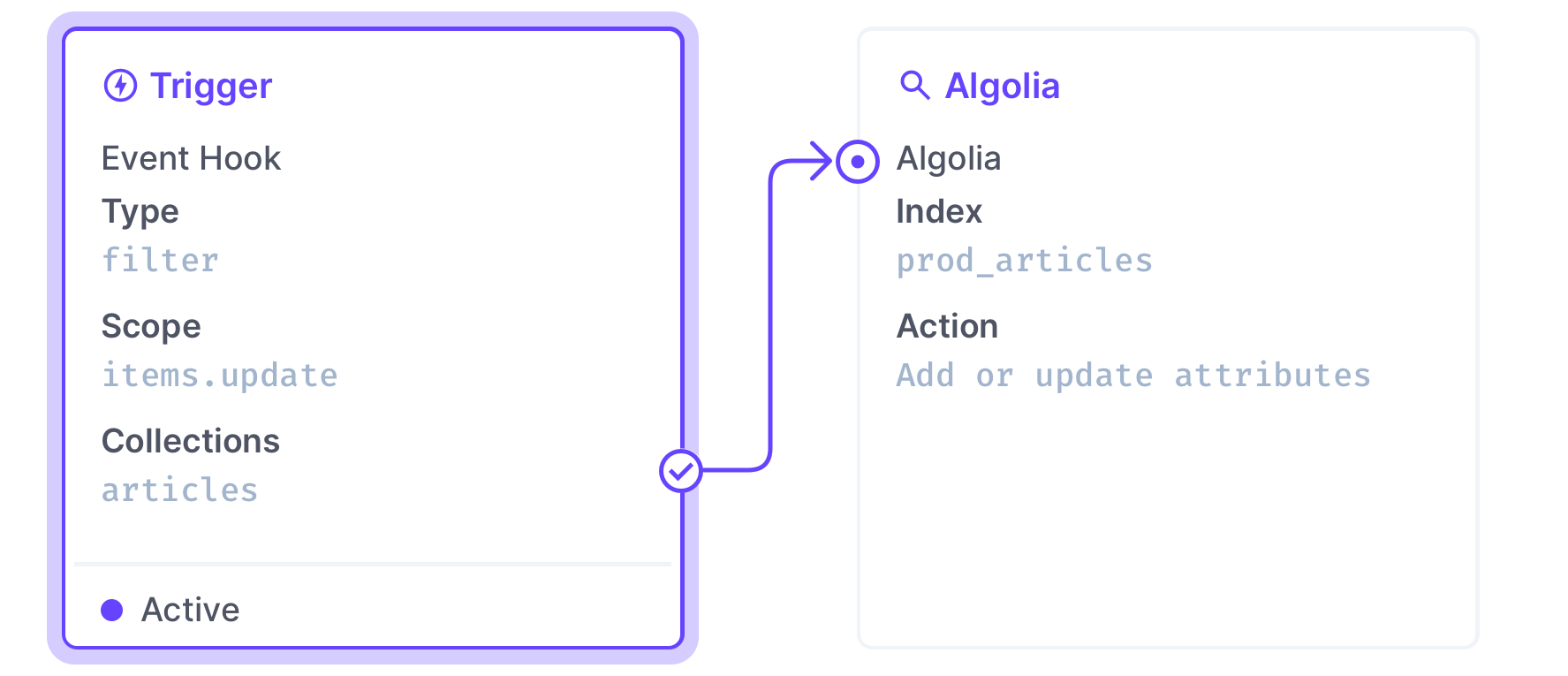
Algolia Operation
Use Algolia to index and search your data with Directus Flows. This Operation allows you to create, update, delete and even search records in your index.
Installation
Refer to the Official Guide for details on installing the extension from the Marketplace or manually.
Usage
Once installed, add the Algolia Operation to your flow. Then fill the required options and select which action you would like to perform.
| Field | Description |
|---|---|
| Application ID | Your Algolia application ID found in your dashboard |
| API Key | A key with sufficient permissions, also found in your dashboard |
| Index | Name of the index on which to perform the action you select. |
| Action | Which action to perform: Add or replace record, Add or update attributes, Delete record, Retrieve record or Search |
Add or replace record
Creates a record, or if a record already exist with the same Object ID, replace it with a new object.
| Field | Description |
|---|---|
| Object ID | Unique record identifier |
| Body | An object with fields that are useful for search and discovery |
Example usage
- Create an Event Hook flow that is triggered on
item.createand choose which collection to include (if you select multiple collections, you can use{{$trigger.collection}}in the Index field). - Add the Algolia Operation and Object ID to
{{$trigger.key}} - Add which attributes you want to save in the Body field.
Add or update attributes
Adds new attributes to a record, or update existing ones.
| Field | Description |
|---|---|
| Object ID | Unique record identifier |
| Body | Attributes to update. It is also possible to update attributes with Algolia's built-in operations. |
Example usage
- Create an Event Hook flow that is triggered on
item.updateand choose which collection to include (if you select multiple collections, you can use{{$trigger.collection}}in the Index field). - Add the Algolia Operation and Object ID to
{{$trigger.keys[0]}} - Add which attributes you want to save in the Body field.
Delete record
Removes a record from the index.
| Field | Description |
|---|---|
| Object ID | Unique record identifier |
Example usage
- Create an Event Hook flow that is triggered on
item.deleteand choose which collection to include (if you select multiple collections, you can use{{$trigger.collection}}in the Index field). - Add the Algolia Operation and Object ID to
{{$trigger.keys[0]}}
Retrieve record
Retrieve a record by its Object ID. The Operation will contain all attributes that are currently saved in the record.
| Field | Description |
|---|---|
| Object ID | Unique record identifier |
Search
Search for records in your index. Results will be returned in the hits array.
| Field | Description |
|---|---|
| Search Parameters | See Algolia Documentation for details. |